Apple is the talk of town this morning, following its admission of deliberately slowing down iPhones as their batteries age. Apparently, this is part of the original software. We’ll disregard the popular suspicion that this is an upselling gig to make us want to buy an upgrade. Instead, we want to share three tips that extend your phone battery life by keeping it healthier longer.
How to Extend Your Phone Battery Life
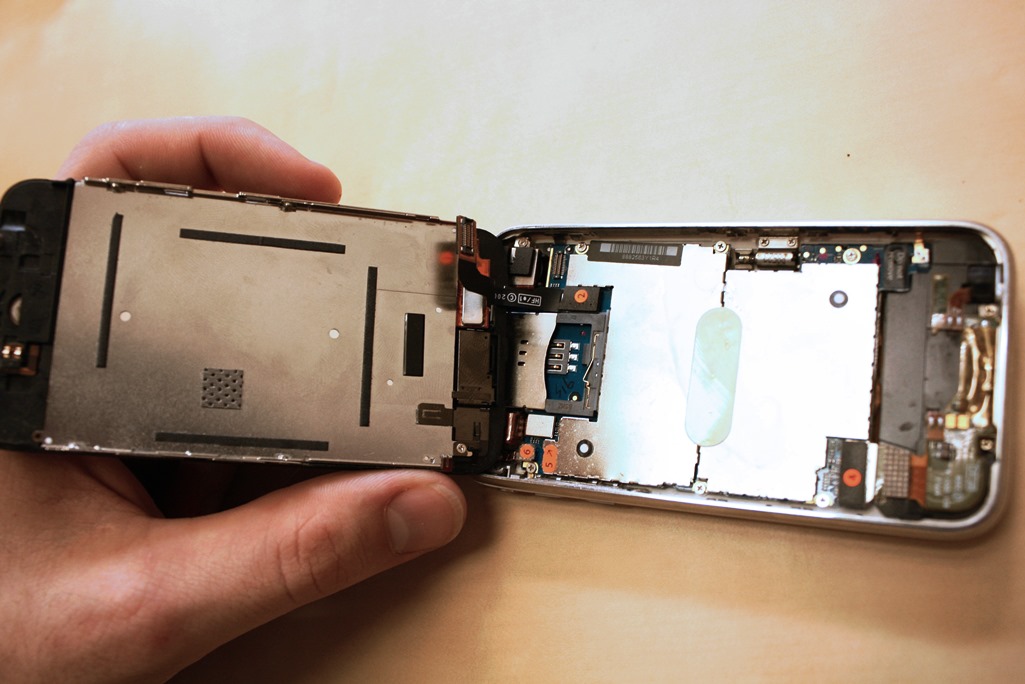
Gradually degrading smartphone batteries is an inevitable fact of life. Chemicals build up inside and eventually block the flow of electrons. Apple is slowing its phones for the right reasons, to stop them acting unpredictably and shutting down without warning.
However, Apple missed a beat by being opaque on this and not punching out a warning message. The company uses battery performance as a clue to trigger curtailed phone performance. If you extend your phone battery life by keeping it healthier, you can delay this happening longer. This is how you go about it
Use the original charger supplied with the phone. Plug it into a socket in the wall. A USB connection does not charge the battery at the same rate. Hence, the battery has to work harder and gets older sooner. Maintain the charge somewhere between 40 and 80% of maximum, for longer lithium battery life.
Finally Treat Your Smartphone Battery Nicer

Smartphones are high-tech devices and the same goes for their batteries. They do not like being dropped, ridden over, or played with by the dog. Their designers assume their ambient temperature will be in the range humans enjoy.
Hence, please don’t leave them in the snow, or in an unheated garage overnight. Or for that matter, anywhere near the stove while cooking Christmas turkey. It may be winter now, but the seasons flow and summer will come again.
When that glorious moment arrives don’t leave your smartphone in the blazing sun either, now you know how to extend your phone battery life.
Related
Quick Fixes for iPhone Battery Blues
Lithium Battery Aging Explained
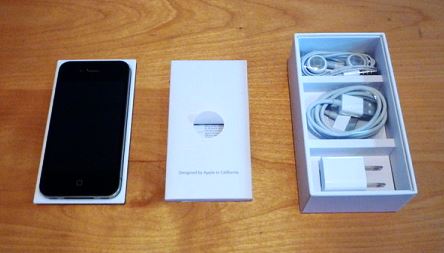
Preview Image: New iPhone in Box