Did you ever wonder why your laptop battery (or smartphone battery for that matter) has more connectors than just a negative and a positive? Probably not: Most of us drive our devices the way we drive our cars. It is somebody else’s job to look under the bonnet, check the tires, and so on … thank heavens for smart laptop batteries
How Smart Laptop Batteries Work

Battery manufacturers include a ‘smart circuit’ in lithium-ion batteries, to monitor the condition of cells on our behalf. You can see an example in the image just below the purple batteries. This has signal wires running out of it in addition to the power connections. This is how it sends a message estimating how much power remains before it goes flat, and tells the computer to enter hibernation mode.
A secondary monitoring circuit manages charging and discharging cutoff points. By fully charging and discharging laptop batteries once a month, we reset these triggers to their optimum (although this does not reset the battery). Hibernation takes place with some residual battery power left to manage the process.
How to Get the Most Out of Laptop Batteries
We can get smart laptop batteries to last longer between recharges in several ways. This has little to do with the batteries and almost everything to do with us. At the most basic level, every connected accessory draws power and some are resource heavy. Ask questions before you buy a printer. Just don’t be too surprised if the clerk does not have the answers.
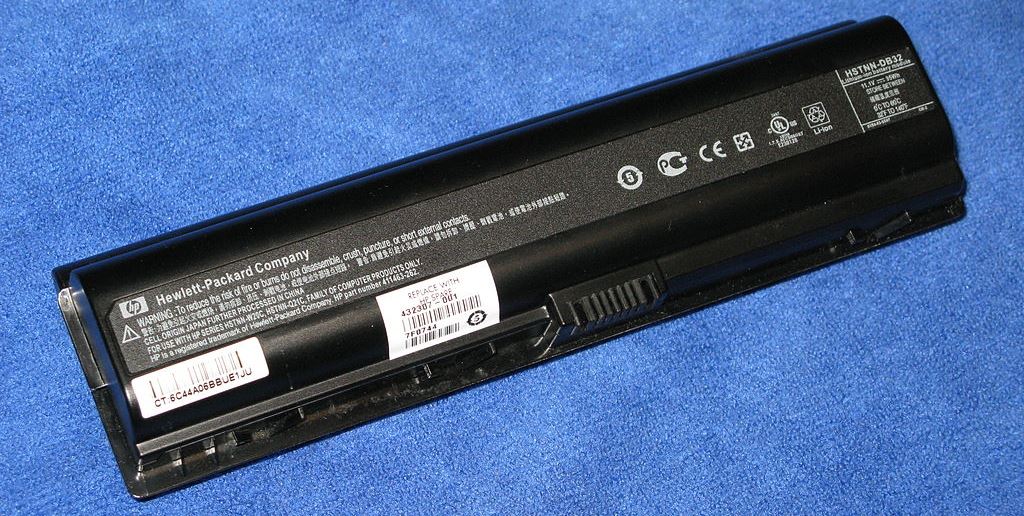
At the highest level, computers and batteries are part of the energy chain and add to our carbon footprints. We fit solar panels to our roofs. Do you think it is time we became energy mean with smart laptop batteries too?
Related
Battery Management Systems make SLABs Smart