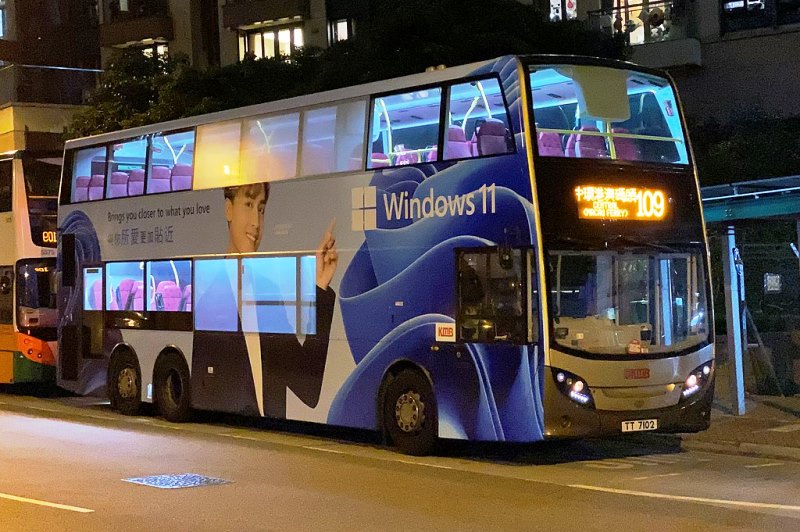
Widespread adoption of the Windows 11 operating system, means we experience it across a broad spread of devices. This system, originally for mains-power desk-top computers can drain our batteries fast, if we allow it unlimited access. But when did we last visit Microsoft’s energy saving tips? Keep reading, and remind yourself how to stretch your batteries on Windows 11.
Settings to Stretch Your Battery on Windows 11
We imagine the settings are similar on previous versions of Windows, but you may need to adapt for them for the version you have:
ENERGY SETTINGS
- Select start … settings … system … power and battery … energy recommendations.
- Pick ‘all’ for a blanket approach. It may suit you to be more selective and only choose the sleep setting.
BATTERY SAVER
- Select start … settings … system … power and battery … battery saver.
- Choose the point (remaining charge) when you would like the app to activate, or turn it on.
DISPLAY SETTINGS
- Select start … settings … system … power and battery … screen and sleep.
- Apply power / sleep, display, background, and themes setting to suit your taste.
POWER SETTINGS
There are several more ways to stretch your battery on windows:
- Select start … settings … system … power and battery … trouble shoot … other trouble shooters … run.
- Sit back and relax while Windows 11 optimizes your system for you with standard settings.
- Select start … settings … system … screen and sleep. Sleep your device for the duration you choose.
- Select start … settings … system … power and battery … battery usage … battery usage per app.
- Reconsider which high-energy app you don’t need running after you start your device.
- Select start … settings … apps … video playback … battery, optimize for battery life.
Two Great Reasons to Follow this Advice
We surprised by the number of ways we could stretch battery life on Windows 11, when we researched this post. Each and every one of them saves energy, and this means we don’t have to recharge batteries so often. But we should also do this for the sake of the environment, and global warming. Not just for our own convenience.
More Information
Online Or Offline UPS: Let’s Compare
Nominal Voltage of Different Batteries